














Retro Ping Pong Instructions
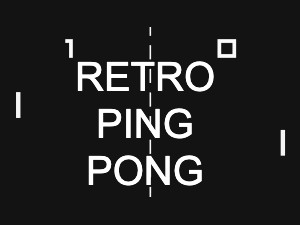
Retro Ping Pong is a classic arcade-style game that lets you relive the original Pong experience. You can play solo against the computer or challenge a friend in two-player mode. Player 1, controlling the left paddle, uses the W key to move up and the S key to move down, while Player 2, controlling the right paddle, uses the up and down arrow keys. The objective is simple: keep the ball in play and try to score points by making your opponent miss. The first player to reach 10 points wins the game. The ball bounces off paddles and walls, increasing in speed as the rally continues. To gain an edge, try angling your paddle to control the ball's direction and outsmart your opponent. Get ready for fast-paced, retro fun!
Retro Ping Pong is a classic arcade-style game that lets you relive the original Pong experience. You can play solo against the computer or challenge a friend in two-player mode. Player 1, controlling the left paddle, uses the W key to move up and the S key to move down, while Player 2, controlling the right paddle, uses the up and down arrow keys. The objective is simple: keep the ball in play and try to score points by making your opponent miss. The first player to reach 10 points wins the game. The ball bounces off paddles and walls, increasing in speed as the rally continues. To gain an edge, try angling your paddle to control the ball's direction and outsmart your opponent. Get ready for fast-paced, retro fun!
Common Core State Standards
CCSS.Math.Practice.MP2 Reason abstractly and quantitatively.
CCSS.Math.Practice.MP7 Look for and make use of structure.
CCSS.Math.Practice.MP2 Reason abstractly and quantitatively.
CCSS.Math.Practice.MP7 Look for and make use of structure.
Math Games by Grade
Math Games by Math Topic
Free Online Games by Game Style

